PDF TO MP3 推出 MCP 接入,可用 OpenAI 订阅制作有声书
Show HN: Use your OpenAI subscription to create audiobooks
PDF TO MP3 发布 MCP 服务器接入,用户可在 OpenAI Codex 中通过插件连接服务,把 PDF 转有声书时由用户订阅承担文档处理、语音合成走独立密钥。用户也可选择只用自己的 API key 完成全部流程,语音部分由 Google 或 OpenAI 计费。

$0to PDF TO MP3
Use your subscription to process the documents. The speech generation is billed by Google or OpenAI.
01Connect your AI
In Codex, open Settings → Plugins → Add MCP server.
Choose Streamable HTTP and paste this server address.
Save, then choose Authenticate and connect your PDF TO MP3 account.
02Add your speech key
This key pays for speech only.
03Send your first document
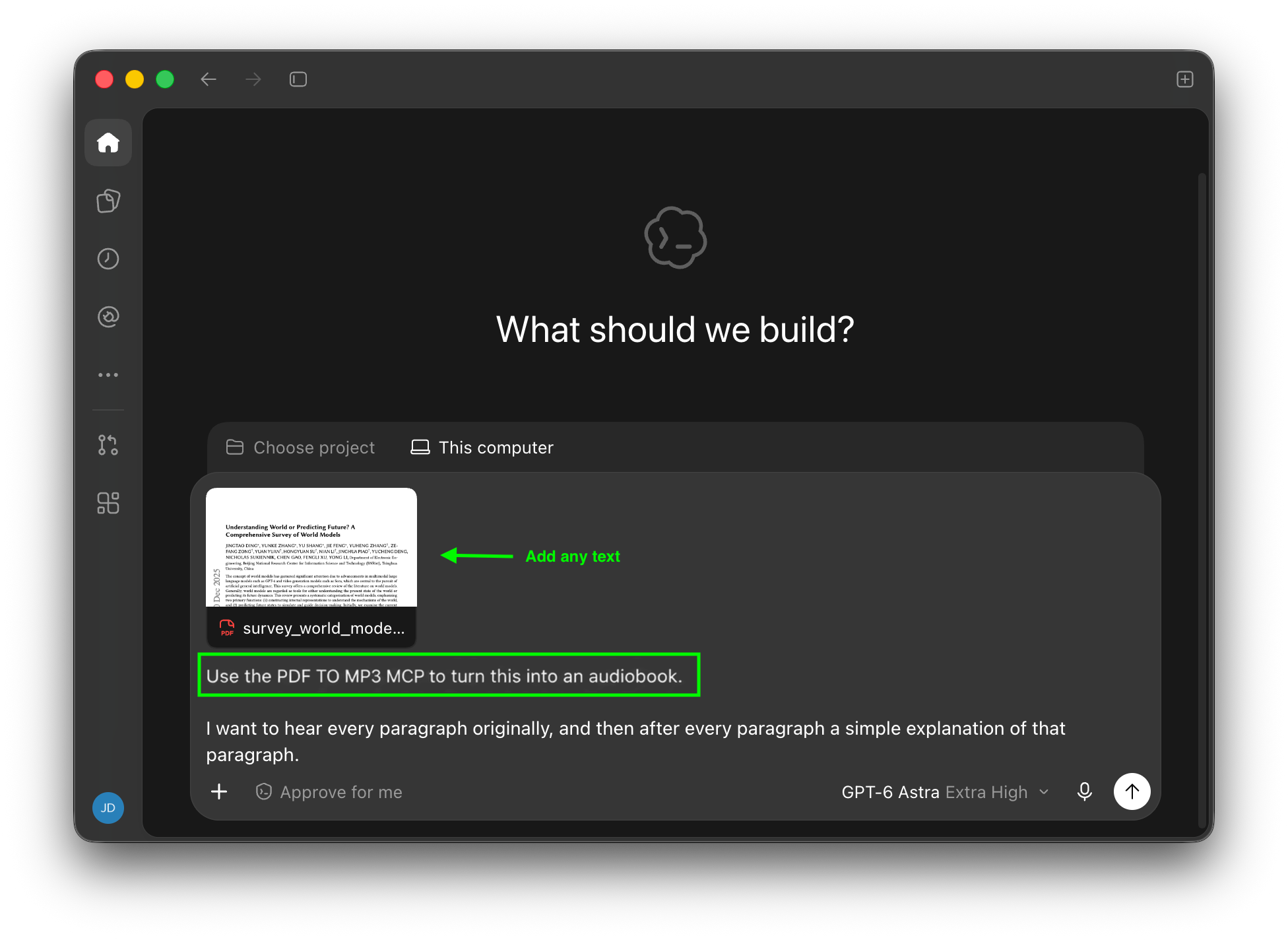
Attach a PDF in your AI chat and ask:
“Use the PDF TO MP3 MCP to turn this into an audiobook.”
Your subscription will be used for:
- document processing (via MCP)already paid by your subscription
Your API key will be used for:
- generating speechOpenAI charges per usage
Only want to connect your API key?Use my API key
来源:Hacker News · pdftomp3.com